01
Masks the room
It covers the sounds that come and go, other people’s speech especially. Not the steady hum you already blocked out.
A sound to workA sound to createA sound to focus
An endless drone tuned to one chord. It masks the room, opens with the same cue every time, and closes the loop: rate each session, and it tells you whether its adaptive layer helps.
What it does
01
It covers the sounds that come and go, other people’s speech especially. Not the steady hum you already blocked out.
02
Every session begins with the same 20-second bloom of your home chord. Over time, that sound becomes a familiar cue.
03
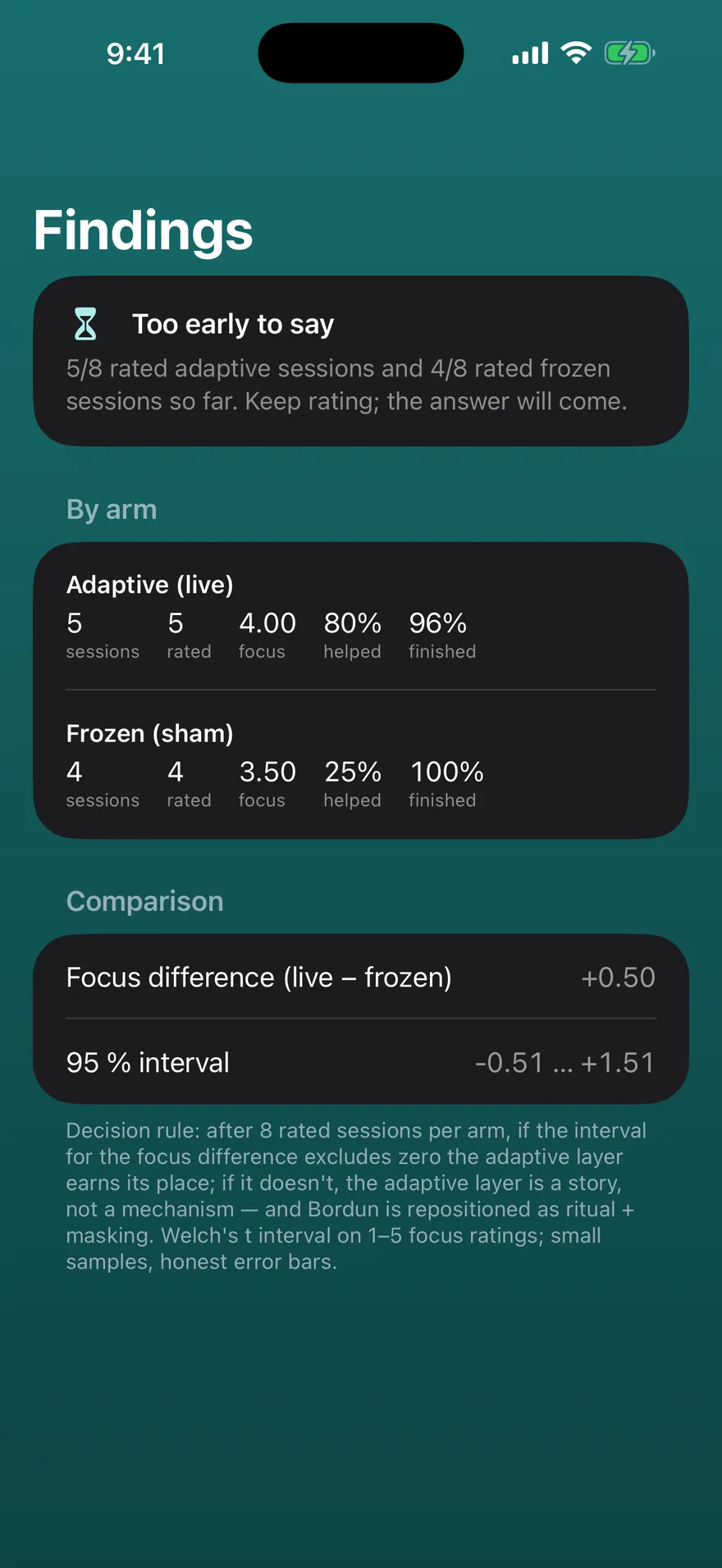
A feedback loop. Opt in, rate each session with two taps, and Bordun turns your own answers into a live comparison: does the adaptive layer help, or not?
The session
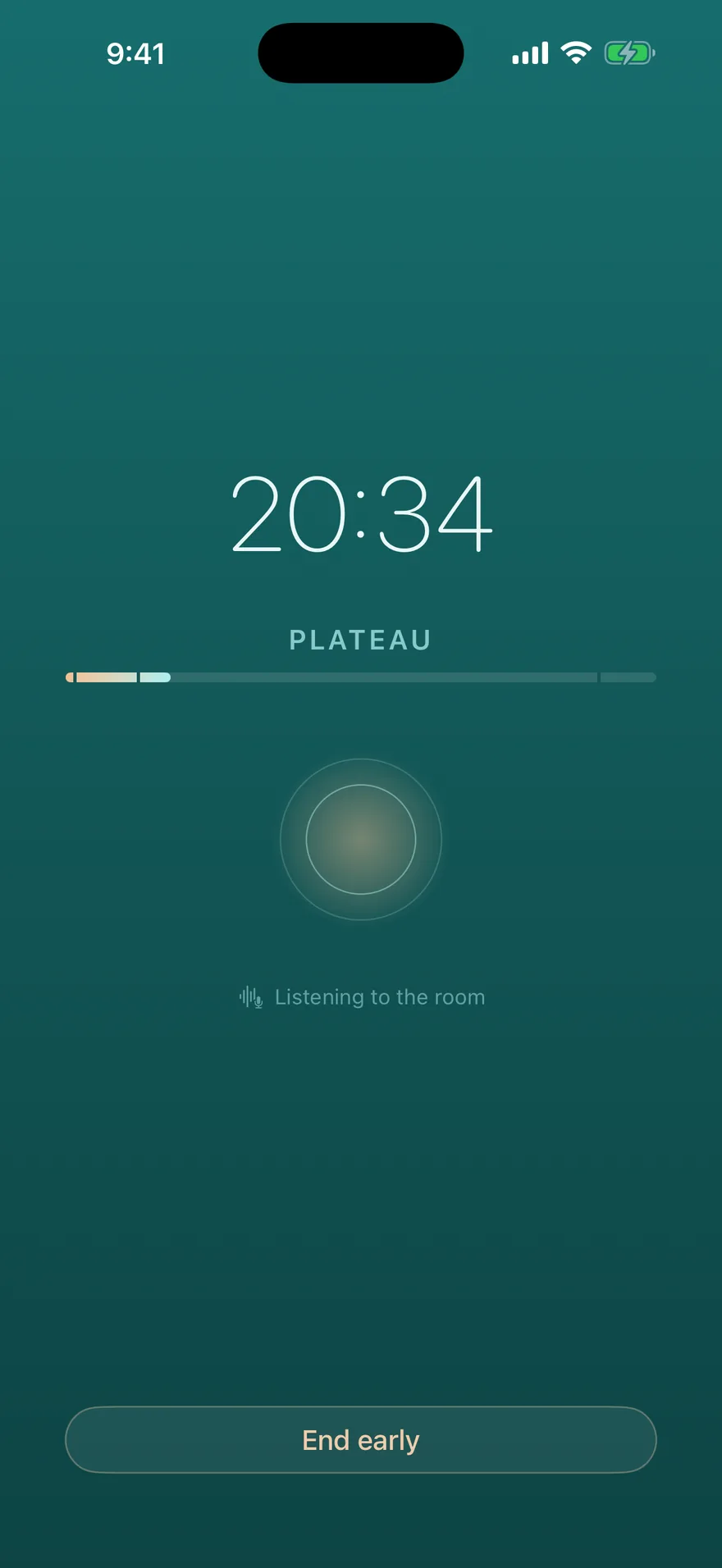
Your home chord is chosen once and never changes. The arc scales to the length you pick.
Listening to the room · optional
With your permission, Bordun uses the microphone to find what in the room is intermittent — speech, keyboards, doors — and gently raises its texture layer just to mask that sound. Every response is slewed over 15–30 seconds, so the app is never heard reacting. It’s off until you turn it on, and Bordun is a complete product without it.
The experiment
We’d rather know than guess.
If you opt in, some sessions will silently run with the room-tracking frozen to a neutral profile. You won’t be told which. At the end of each session you’ll get two quick taps: how focused you were, and whether the sound helped. If the adaptive layer can’t beat frozen, we’ll say so.
The decision rule: after enough rated sessions, if adaptive can’t beat frozen, the app tells you — and Bordun is still a cue and a mask. Either answer is useful. Your session log stays on the phone; view it, delete it, or export it whenever you like.